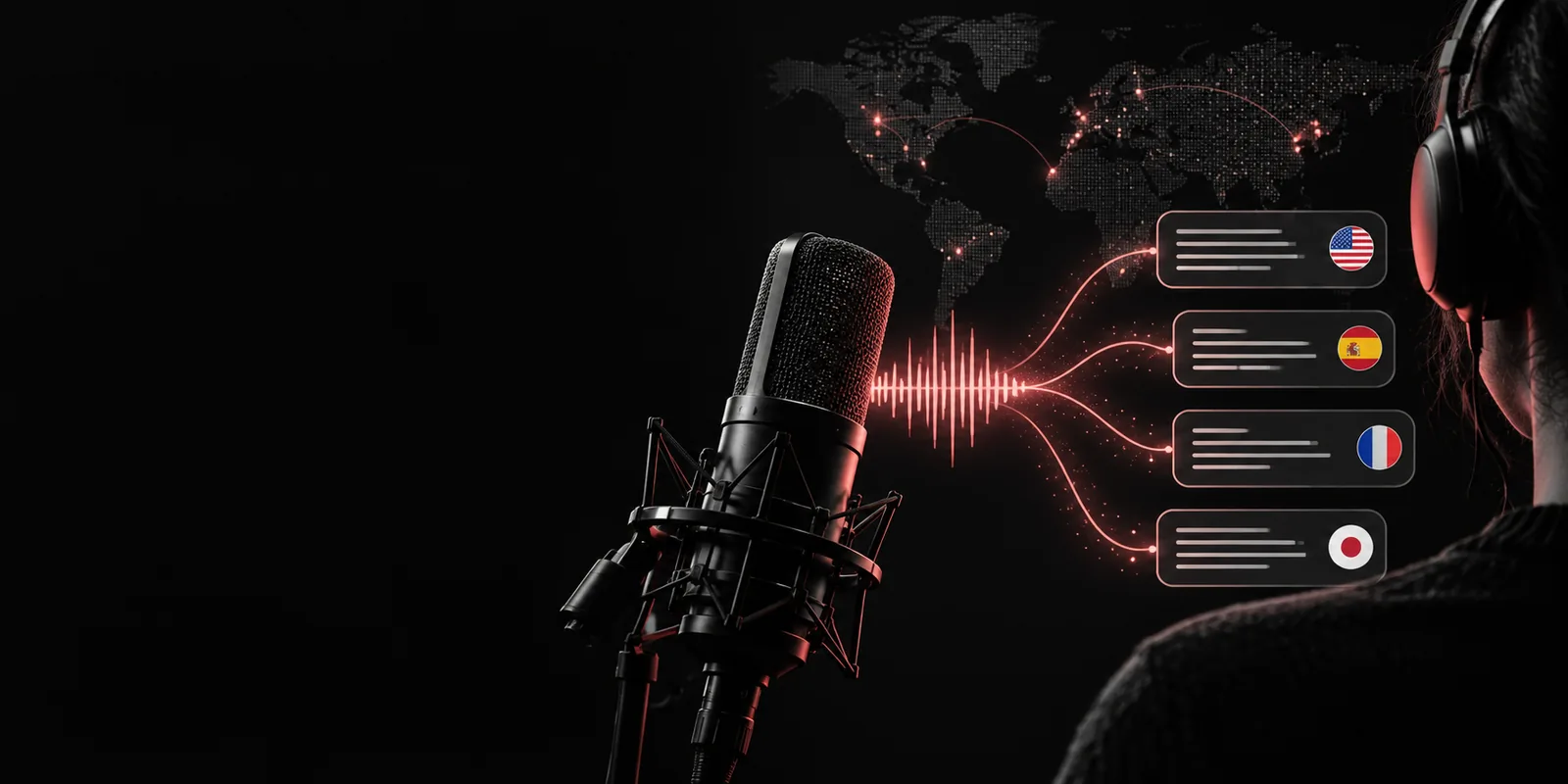
Whisperai

What is whisper ai, explained simply

What is whisper ai? It is an automatic speech-recognition model that converts spoken audio into written text and can translate some speech into English. Whisper is designed to handle accents, background noise, varied recording conditions, and many languages more reliably than a narrow voice-to-text system.

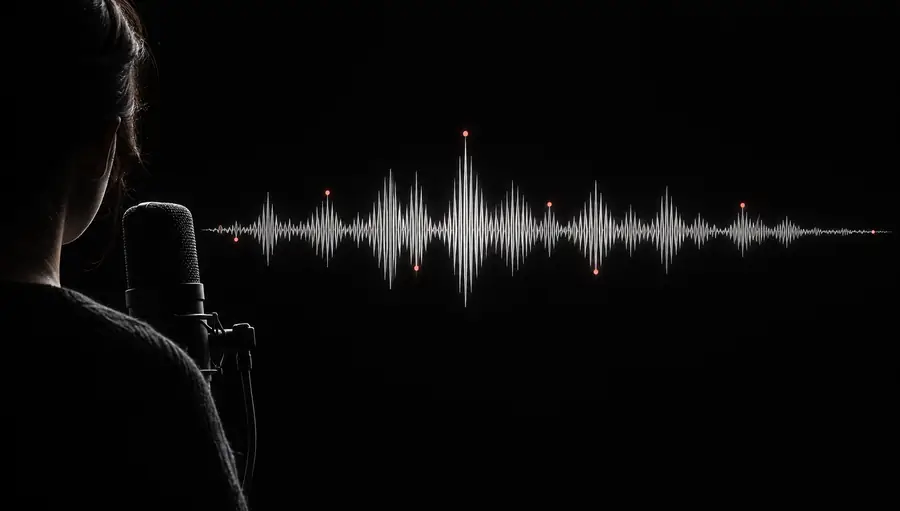
Abstract visualization of spoken audio becoming written text

How it works

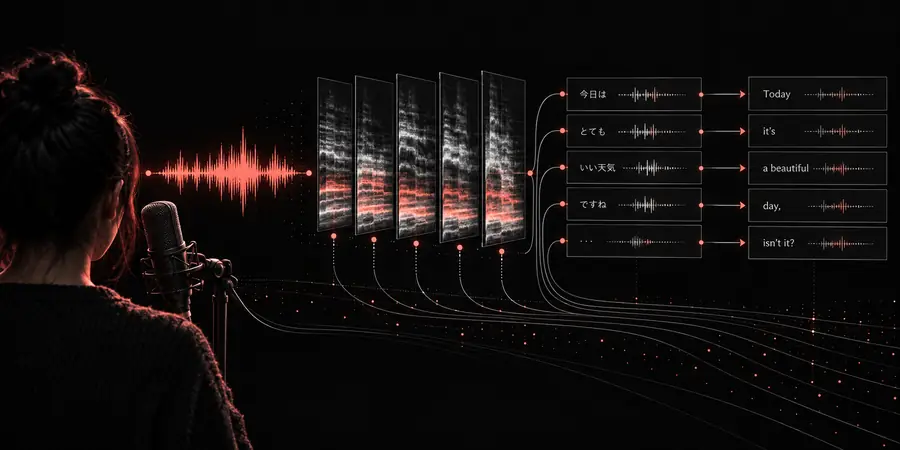
Whisper follows a compact audio-to-text pipeline. The model does not read a recording like a document; it analyzes sound patterns, predicts language, and assembles the most likely sequence of words.

  1. 1

    Prepare the audio

    A recording is divided into manageable windows and converted into a representation the model can analyze. Clear speech helps, but Whisper can still work through moderate noise, pauses, and uneven microphone quality.

  2. 2

    Recognize speech

    Whisper compares the acoustic patterns with learned language patterns, identifies likely words, and uses surrounding context to resolve accents, phrasing, and changes in pronunciation.

  3. 3

    Return text or translation

    The result is a transcript in the spoken language, or an English translation when that task is selected. A person can then correct names, punctuation, formatting, and specialized terms.

What Whisper can and cannot do

Its strengths come from broad training and flexible language handling, not from perfect understanding. These figures describe the original Whisper research context and clarify what the system is built to handle.

of multilingual and multitask audio used in training
680,000 hours
included in the model's broad language coverage
99 languages
speech transcription and speech translation to English
2 core tasks

Who uses Whisper

Whisper is useful wherever spoken information needs to become searchable, editable, or easier to share. The right workflow still includes review when names, numbers, or technical terminology matter.

Researchers

A researcher records interviews, field observations, or verbal notes and needs a searchable first draft without manually replaying every sentence.

Whisper creates a time-saving transcript that can be coded, quoted, and checked against the original recording. For a browser workflow, see whisper online.

whisper online
Journalists and writers

A reporter has a long interview with multiple topics, interruptions, and natural speech that must be turned into a working document.

Whisper provides a rough transcript for finding quotes and structuring the story, while the recording remains the authority for final wording.

whisper transcription

Students and educators

A student wants to review a lecture, language exercise, or study discussion in written form instead of relying only on memory.

A transcript makes spoken material easier to search, annotate, summarize, and revisit at a personal pace. The process is explained in how to use whisper.

how to use whisper

Product and support teams

Teams examine calls, usability sessions, or customer conversations to identify recurring questions and moments of friction.

Whisper turns audio into a reviewable record that can support research synthesis, internal notes, and quality checks, provided sensitive information is handled appropriately.

is whisper ai safe
Audio waveform waiting to be processed Spoken recording
Readable transcript generated from the recording Editable transcript
The transformation is useful, but review remains essential for names, numbers, and specialist vocabulary.
Whisper
Manual transcription

Input

Whisper

Audio or video recording supplied to a speech-recognition workflow.

Manual transcription

A person listens to the recording and types the words.

Primary output

Whisper

A machine-generated transcript, with optional English translation for supported speech.

Manual transcription

A human-created transcript shaped by the transcriber's decisions.

Speed

Whisper

Processes long recordings much faster than listening and typing in real time.

Manual transcription

Usually takes several times the recording length, depending on complexity.

Language coverage

Whisper

Broad multilingual coverage learned from varied audio and language data.

Manual transcription

Depends on the transcriber's language skills and availability.

Context handling

Whisper

Uses acoustic and linguistic context, but may miss names, jargon, or overlapping speakers.

Manual transcription

Can ask for clarification or infer context, but may introduce human omissions or errors.

Review requirement

Whisper

Human review is recommended for publication, legal records, research citations, and sensitive content.

Manual transcription

Still benefits from proofreading, especially when accuracy and consistency are critical.

Best starting point

Whisper

A fast first draft, searchable archive, translation aid, or large-scale audio workflow.

Manual transcription

A polished final transcript when nuance, speaker identification, and exact wording are central.

Turn spoken audio into a useful first draft

Whisper makes recorded speech easier to search, edit, translate, and share. Start with a practical transcription workflow, then review the details that carry meaning.

Try Whisper transcription
  • Work from interviews, meetings, lectures, or notes
  • Keep the original recording for verification
  • Review names, numbers, overlap, and technical terms

Frequently asked questions

Whisper is an automatic speech-recognition model developed to convert spoken audio into text. It can recognize many languages and can also translate supported speech into English, but its output should be treated as a draft when exact wording matters.

Whisper analyzes short portions of an audio recording, converts sound into features, and predicts the most likely sequence of language tokens. It uses surrounding acoustic and linguistic context to improve continuity across pauses, accents, and imperfect recordings.

Yes, Whisper supports transcription in the detected spoken language and a speech-translation task that produces English text. Translation is not the same as a literal transcript, so names, idioms, and specialist phrases should be checked.

Whisper can be more resilient than simple voice-to-text tools when recordings contain moderate noise, accents, or varied speaking styles. Accuracy still depends on microphone quality, background sound, overlapping speakers, pronunciation, and the language involved.

Researchers, journalists, students, educators, content teams, and support or product groups can use it to create searchable drafts from spoken material. Anyone publishing or relying on the text should compare important passages with the original audio.

Start transcribing
Start transcribing