Whisperai

Audio to action

Make whisper notes from every important recording

Whisper notes give a busy team a usable first draft after a conversation, not another file to sort through. Start with a recording, guide the handoff, and shape the result around the way your audience already works.

Free to start · no signup
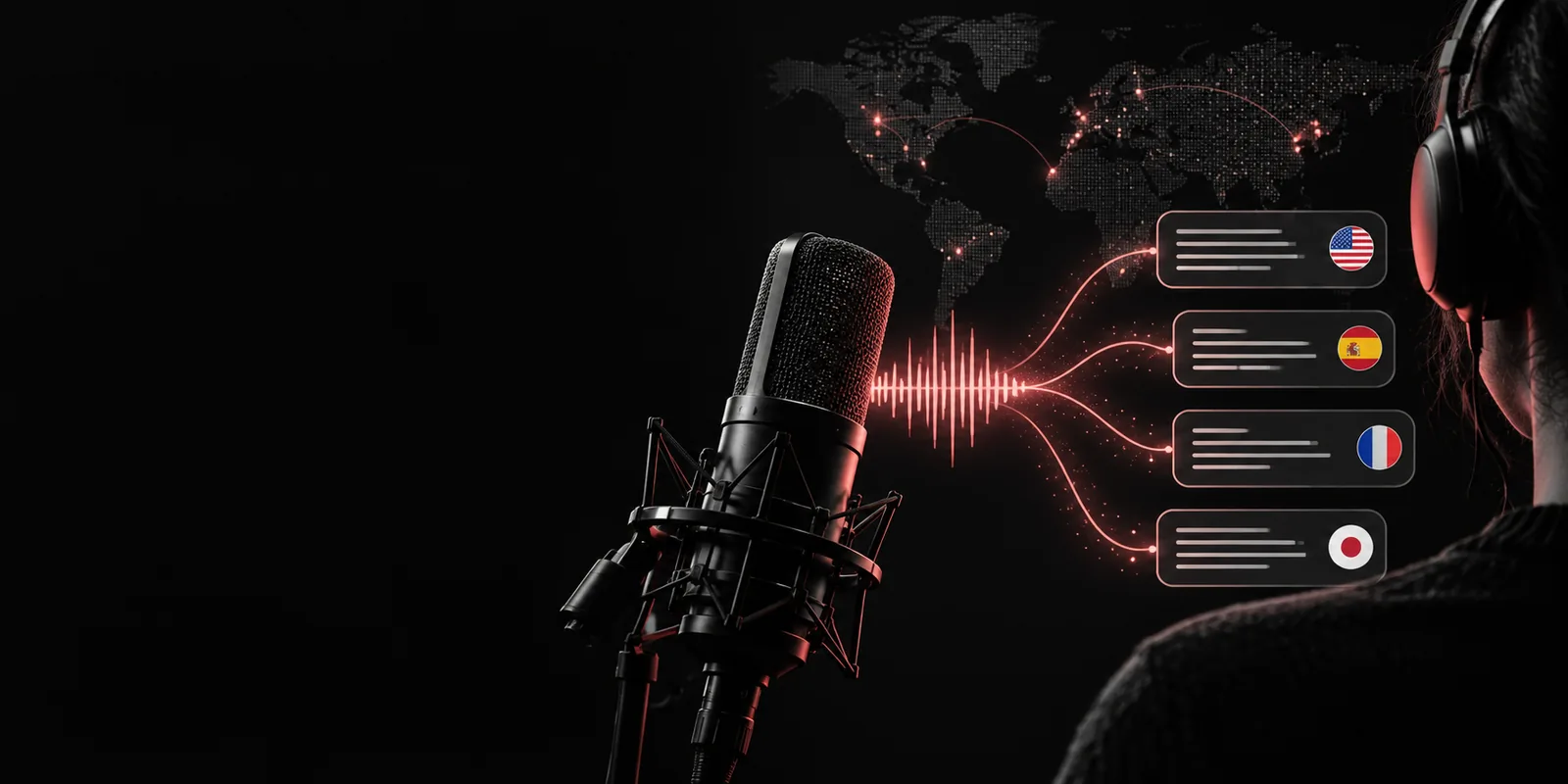
Audio waveform and organized notes on a dark workspace

Related paths

The audience's existing pipeline

Notes work best when they arrive inside an established review habit. These related guides cover the recording, transcription, and example stages around the same workflow.

Simple handoff

Where we slot in

The useful moment is between capture and discussion: the recording is still fresh, but the team needs structure before deciding what deserves attention.

  1. 1

    Bring in the recording

    Start with an interview, meeting, call, lecture, or field recording that already belongs to your normal content or research process. Keep the original file as the source of truth.

  2. 2

    Ask for the working shape

    Describe the notes your audience needs: themes, decisions, memorable quotes, questions, risks, tasks, or a short executive brief. A specific request produces a more useful first pass.

  3. 3

    Review and route

    Check names, numbers, quotations, and sensitive claims against the audio. Then send the cleaned notes to the existing document, project board, editorial queue, or team discussion.

Built for real work

Research teams

A researcher finishes several interviews and needs each conversation reduced to recurring themes, notable language, and unresolved questions before the next synthesis session.

The team gets a consistent comparison layer while keeping the recordings available for verification. See openai whisper examples for patterns that can guide the requested structure.

openai whisper examples
Podcast producers

A producer wants a quick episode brief from a long conversation, including possible chapter ideas, strong quotes, names to verify, and follow-up material for the show notes.

The first draft shortens the gap between recording and publishing without pretending to replace editorial judgment. Use openai whisper examples to explore useful output shapes.

openai whisper examples

Meeting facilitators

A facilitator needs decisions, owners, open questions, and moments of disagreement separated from the conversational detail of a recurring team meeting.

Participants can review the same concise record and correct it while context is still available. The openai whisper examples page offers adjacent examples for turning speech into organized working material.

openai whisper examples

Field and support teams

A person working away from a desk captures observations, customer conversations, or service calls and needs a readable handoff for colleagues later in the day.

The audio remains the evidence while the notes become a practical bridge into the team’s existing workflow. Browse openai whisper examples for more ways to frame a useful first draft.

openai whisper examples

What arrives

The original recording stays available for checking names, quotes, and claims.
1 source
A structured notes pass gives the reviewer something concrete to correct and refine.
1 draft
The result can move into the document, board, or discussion your audience already uses.
1 handoff

Output discipline

Before/after

The difference is not simply shorter text. It is the move from an audio file that requires attention to a reviewable working document that points people toward decisions and next actions.

Raw recording
Working notes

Entry point

Raw recording

A time-based audio file with context distributed across the conversation.

Working notes

A readable draft organized around the audience’s requested questions.

Finding a detail

Raw recording

Someone must scrub through the recording and remember where a topic appeared.

Working notes

Themes, quotes, decisions, and questions are grouped for faster scanning.

Team review

Raw recording

Each reviewer may listen to a different section or form a different summary.

Working notes

Everyone starts with the same draft and can mark corrections in one place.

Editorial control

Raw recording

The recording preserves tone and nuance but does not identify what matters most.

Working notes

The reviewer can accept, rewrite, remove, or verify each important point.

Follow-up

Raw recording

Tasks and unanswered questions remain mixed into the conversation.

Working notes

Owners, open questions, and next steps can be made explicit.

Traceability

Raw recording

The source is strong, but the path from claim to timestamp is manual.

Working notes

The notes provide a map back to the recording for sensitive or high-stakes details.

A visible change

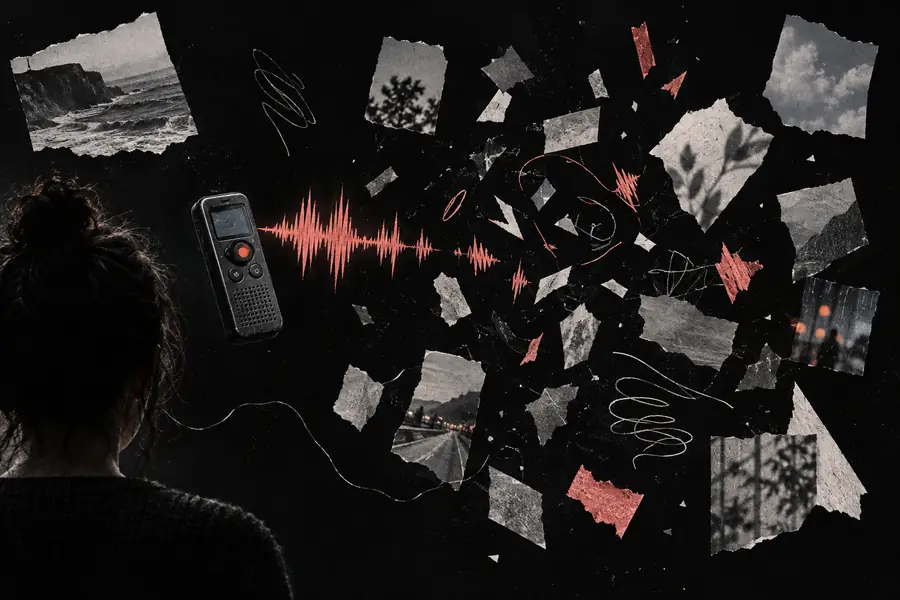
Unstructured recording and scattered note fragments Before: listen and sort
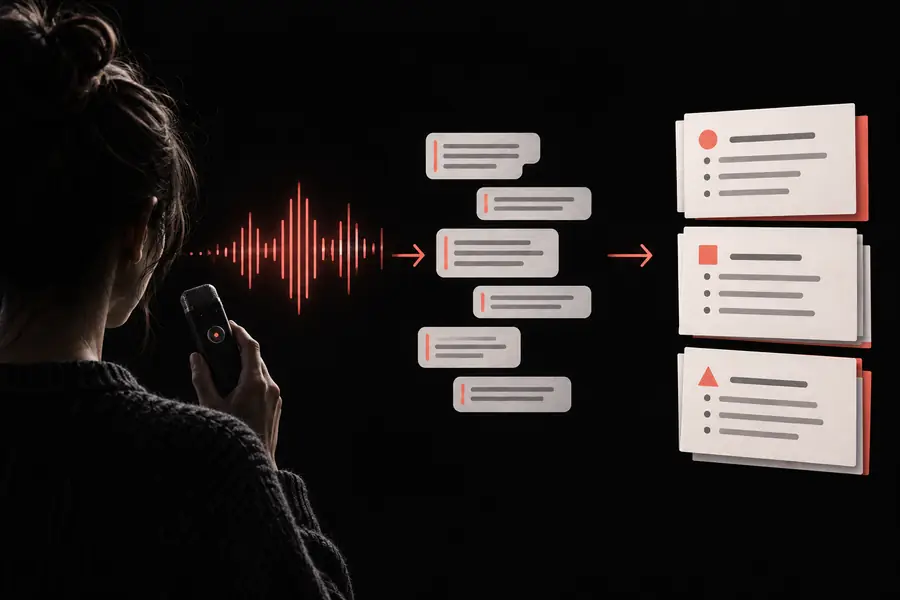
Organized notes connected to a review workflow After: review and route
Use the draft as a starting point, then verify details against the source audio.

Ready for review

Give every recording a useful next step

Move from a long audio file to a structured first draft that your audience can actually discuss. Describe the outcome you need, review the important details, and send the cleaned result into the workflow already in place.

Create audio notes
  • Request themes, decisions, quotes, or tasks in plain language
  • Keep the recording available for verification
  • Adapt the final notes to the people who will use them

Questions in context

Scenario FAQ

They are useful when a recording contains more detail than a team can comfortably review in one sitting. A structured draft can surface themes, decisions, notable quotes, unanswered questions, or follow-up tasks while leaving the audio available for checking.

Yes. The requested shape can change by scenario: interviews may need themes and quotes, while meetings may need decisions, owners, and open questions. Review names, numbers, and sensitive claims against the original recording before sharing.

No. They are a working layer built on top of the source audio, not a substitute for it. Keep the recording available whenever tone, exact wording, attribution, or context matters.

Name the audience and the decisions they need to make, then list the sections you want in the result. For example, request themes, supporting quotes, unresolved questions, risks, and next steps rather than asking only for a summary.

Start transcribing
Start transcribing