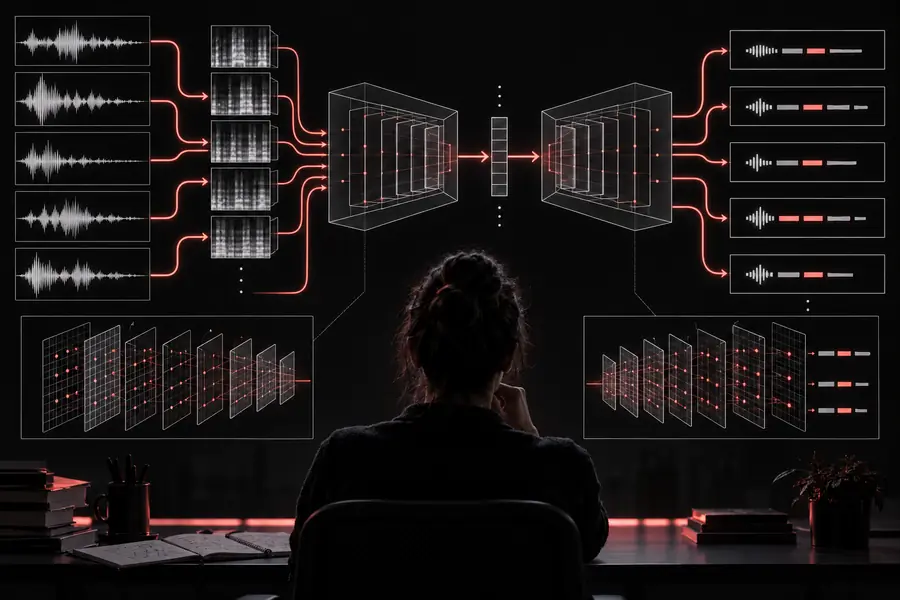
OpenAI Whisper is a speech recognition model built for turning recorded or live audio into text. This guide separates the model itself from the broader online experience, then shows where each route fits.
The model is capable, but it is not a complete production workflow by itself. These boundaries matter when you are deciding whether to run it directly or use a managed interface.
It does not guarantee perfect names
OpenAI Whisper can mishear uncommon names, acronyms, brands, and specialist vocabulary, especially when the recording is noisy or speakers overlap.
Workaround
Review proper nouns and add a terminology pass before publishing the transcript.
It does not replace speaker-aware editing
A raw transcript may not reliably identify every speaker or preserve the structure of a panel, meeting, or interview without additional processing.
Workaround
Use speaker labels, timestamps, and a human review step for multi-person recordings.
It is not a finished notes product
The model produces recognized text; it does not automatically create your preferred summary, decision log, or searchable knowledge base.
Workaround
Send the transcript into a notes or summarization workflow after transcription.
It needs a practical runtime
Running the model directly requires an environment, audio handling, and enough compute for the chosen model size. Setup is part of the work.
Workaround
Use a web route for quick tests, or use a maintained local setup when control and repeatability matter.
How to start with the model
A simple first pass keeps the task measurable: choose a short recording, inspect the output, then decide whether you need a richer workflow.
1
Choose a clean sample
Start with a short file that represents your real audio. Note background noise, accents, overlapping speakers, and the language you expect to recognize.
2
Run the transcription
Submit the recording through your chosen route and review the raw text. Keep the original audio beside the result so unclear phrases can be checked quickly.
3
Refine the result
Correct names, punctuation, speaker turns, and domain terms. If the output is useful, repeat the same process on a longer recording or connect it to your notes workflow.
Related ways to work with Whisper
Choose the route that matches your next task, from a faster runtime to a browser-based experiment or a transcription-focused workflow.
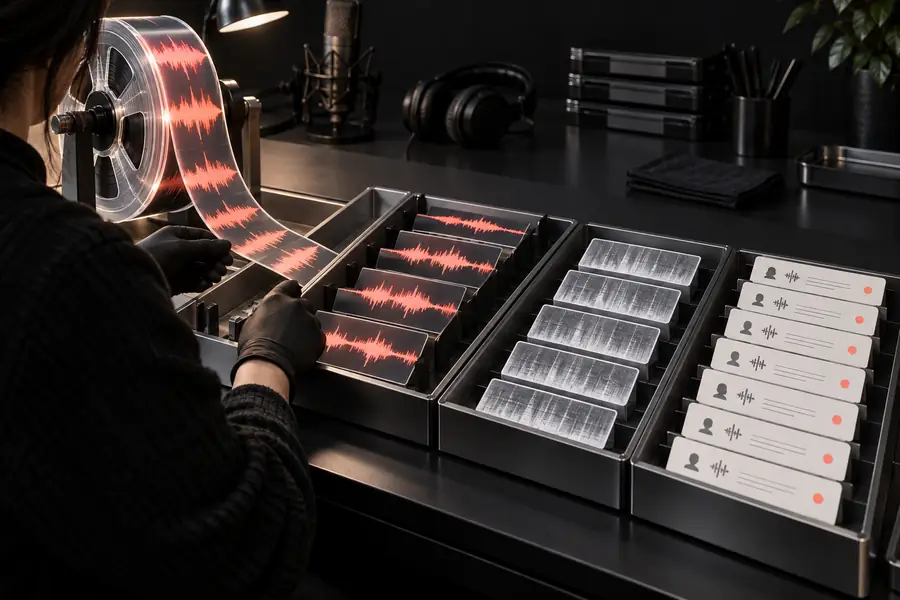
The difference between a model output and a useful transcript is often visible in the review stage: context, punctuation, names, and speaker changes need attention.
Audio input
Reviewed transcript
Model output becomes useful after review and formatting.
This entry point vs the general one
The model route gives you more control over the recognition step. A general online route is usually easier when you want to test an idea without assembling the surrounding workflow.
OpenAI Whisper model route
General online route
Primary purpose
OpenAI Whisper model route
Run or evaluate a speech recognition model
General online route
Complete a quick transcription task
Setup
OpenAI Whisper model route
May require a runtime, audio handling, and configuration
General online route
Usually starts in a browser with fewer decisions
Control
OpenAI Whisper model route
More control over model choice, processing, and repeatability
General online route
Convenient defaults with less low-level control
Best first input
OpenAI Whisper model route
A representative sample for testing accuracy and workflow fit
General online route
A file you want converted with minimal preparation
Output handling
OpenAI Whisper model route
You decide how text, timestamps, and review move forward
General online route
The service typically presents a ready-to-read result
Scaling the workflow
OpenAI Whisper model route
Can support a repeatable pipeline when maintained carefully
General online route
Better suited to occasional or lightweight use
Technical responsibility
OpenAI Whisper model route
You own more of the environment and troubleshooting
General online route
The service hides more of the infrastructure
Ideal user
OpenAI Whisper model route
Builders, researchers, and teams needing control
General online route
People who want a straightforward transcription experience
Who benefits from each route
The right choice depends less on the name of the model than on how much control, review, and infrastructure your work requires.
Developer
You need a repeatable speech-to-text step inside an application or internal pipeline.
A model-centered route gives you room to control inputs, processing, and downstream output.
Try a short recording first, inspect the result, and decide whether you need a simple online handoff or a more controlled model workflow. Whisperai helps you take the next step without confusing the model with the whole product.
These answers cover the practical questions people usually ask when evaluating the model and its place in a transcription workflow.
OpenAI Whisper is used to recognize spoken language and convert audio into text. It can support transcripts, captions, searchable recordings, and later summarization, but the surrounding workflow still determines how polished the final result is.
No. The model is the speech recognition component, while an online tool adds file handling, interface decisions, output presentation, and sometimes editing features. An online route is often simpler; a direct model workflow offers more control.
Begin with a short recording that reflects your real use case, then run it through a suitable route and compare the text with the audio. Check names, punctuation, accents, and speaker changes before deciding whether to expand the workflow.
It can often produce useful text from varied recordings, including audio with accents or background noise, but accuracy depends on clarity, overlap, vocabulary, and recording quality. Treat difficult sections as review points rather than assuming every word is correct.
It can provide a strong first transcript for meetings and interviews, especially when the audio is clear. You should still review speaker attribution, names, decisions, and unclear passages before sharing the result or turning it into notes.