Whisperai

Practical tutorial

How to use whisper transcription without guesswork

Turn a recording into a usable transcript by choosing the right route, preparing the audio, and reviewing the result before you rely on it. This guide covers both a simple online handoff and a self-managed workflow.

Free to start · no signup
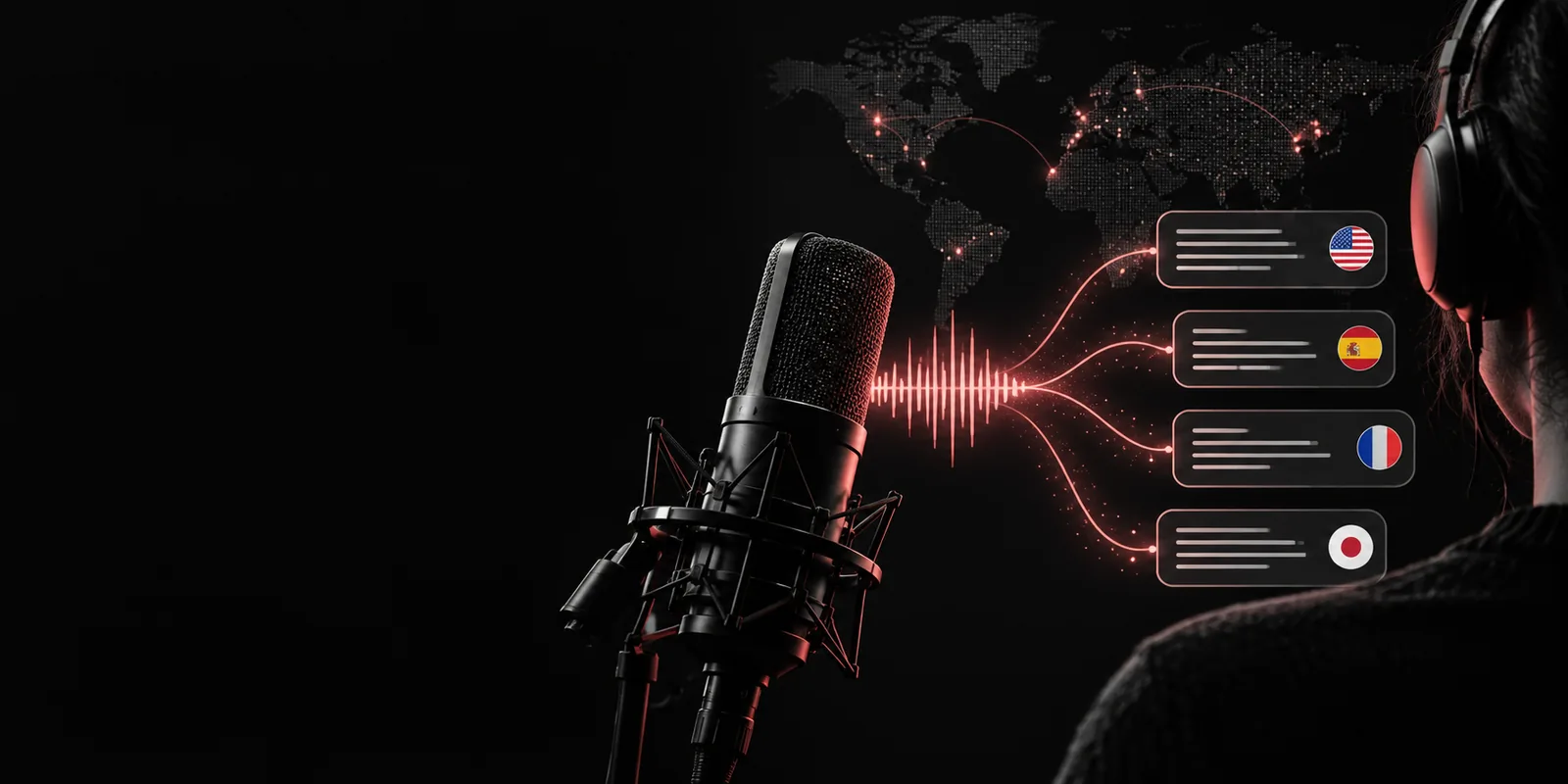
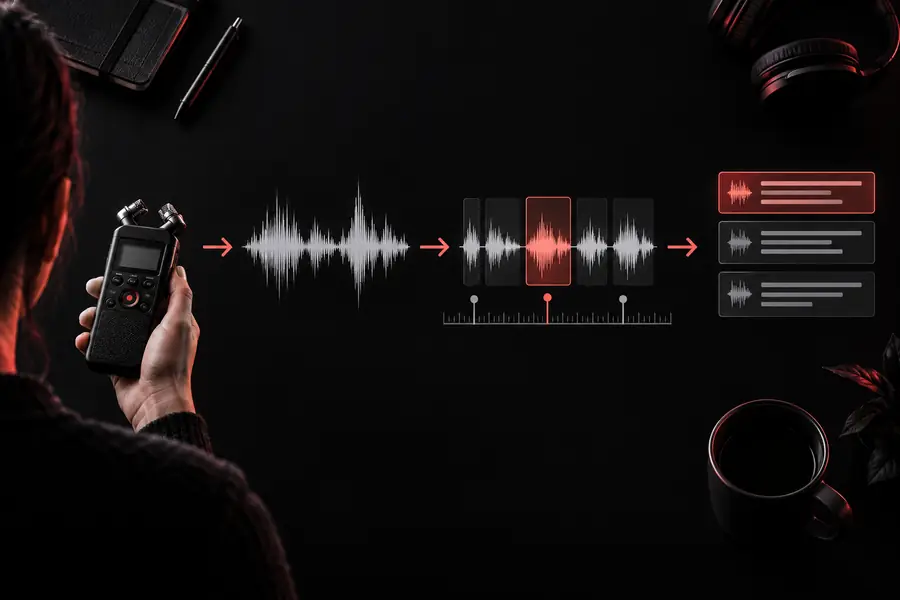
Audio waveform and transcript workflow

Decide which case you are

The best workflow depends less on the word Whisper and more on what you need to do with the recording afterward. Use the shortest path that still gives you the control your project requires.

Path A: Use a ready-made transcription route

This path is usually best for interviews, meetings, lectures, voice notes, and other files where you want a result quickly. You do not need to manage model files, a runtime, or command-line settings; instead, focus on giving the system clean input and a clear output request.

Interview editor

You have a recorded conversation and need a readable draft for quotes, highlights, or a published article.

Upload the original recording, select the spoken language if the tool asks, and request speaker separation or paragraph breaks when available. Review names, technical terms, and overlapping speech before using a quote.

whisper notes
Student or researcher

You need to search a lecture, field recording, or meeting instead of replaying the entire file.

Keep the transcript organized with headings or time references, then compare important claims against the audio. A transcript is a navigation aid, not automatically a verified record.

whisper online

Content producer

You want captions, a rough script, or a starting point for a podcast summary.

Ask for natural paragraphing and preserve key terms. Export or copy the text into your editing process, then synchronize captions and correct punctuation by listening to the source.

openai whisper examples

Support or operations team

You need to turn recurring voice messages into searchable notes without building an internal speech pipeline.

Use a consistent naming convention and a repeatable review checklist. Remove sensitive details from shared notes and keep the original audio available for disputes or corrections.

is whisper ai safe

Path B: Run Whisper transcription yourself

A self-managed route makes sense when you need repeatability, local processing, custom integration, or control over the surrounding pipeline. It also adds responsibility: you must install dependencies, select a model, handle files, and decide where temporary audio and transcript data are stored.

  1. 1

    Prepare the recording

    Choose the original file rather than a compressed preview when possible. Trim long silence only if it helps your workflow, keep the channel layout intact, and note the language, speakers, background noise, and approximate duration. Copy the file to a working folder with a clear name.

  2. 2

    Choose the route and settings

    For a one-off task, an online handoff is usually simpler. For repeated or private work, run a compatible Whisper implementation in your own environment. Select a model and compute option that your machine can handle, set the language when known, and decide whether timestamps or translation are needed.

  3. 3

    Generate and inspect the text

    Run the transcription, save the raw output, and then review it against the audio. Search for names, numbers, abbreviations, and words that are unusual in the subject area. Keep a corrected copy separate from the untouched result so changes remain traceable.

Final check: Confirm the transcript before you share it

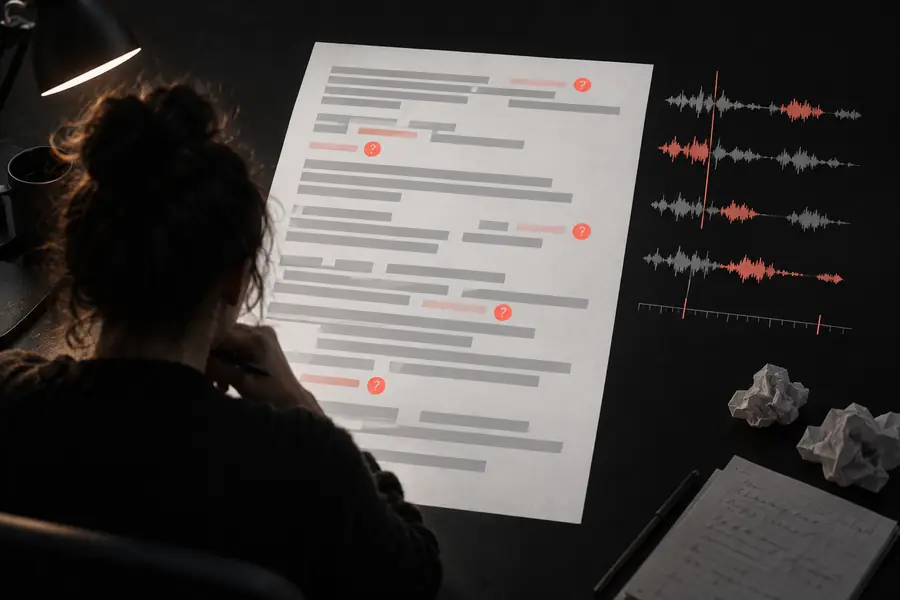
The first output is a draft, even when it reads smoothly. Compare the transcript with the recording at the moments that matter most: names, figures, instructions, quotations, and places where the speaker is hard to hear.

Unreviewed audio transcription with uneven paragraphs Raw output
Reviewed transcript organized into readable notes Reviewed transcript
A clean layout improves reading, but only listening to the source can confirm what was actually said.
Choose online or self-managed processing before you begin
01 route
Keep the raw transcript and the corrected version separate
02 copies
Review names, numbers, language, and unclear audio before sharing
03 checks

It cannot recover words that were never captured clearly

Heavy background noise, clipping, distant microphones, and overlapping speakers can make a recording genuinely ambiguous.

Workaround

Listen to the source, mark uncertain passages, and ask the speaker or a human reviewer to resolve important wording.

It does not guarantee perfect speaker labels

When voices overlap or speakers sound similar, automatic attribution can drift between paragraphs or turns.

Workaround

Use speaker labels as a draft structure, then rename and verify each speaker during review.

It does not understand every specialist term

Names, acronyms, local expressions, and niche vocabulary may be converted into plausible but incorrect words.

Workaround

Provide a glossary when your workflow supports it and search the output for terms that need manual correction.

It is not automatically a translation or a final caption file

Transcription produces text from speech; translation, timing, caption formatting, and editorial polish are separate steps.

Workaround

Set the language explicitly, request timestamps when needed, and finish the output in the tool used for publishing or accessibility.

Make your next recording searchable

Now that you know how to use whisper transcription, start with one short file and apply the same sequence: prepare the audio, choose a route, generate the draft, and verify the important passages. A small repeatable process is more reliable than changing settings after every imperfect sentence.

Transcribe my audio
  • Use a clear source file
  • Keep raw and edited text separate
  • Review critical passages against the recording

Tutorial FAQ

These answers cover the practical questions that usually come up when starting a transcription workflow.

Start by choosing an online workflow or a self-managed implementation, then provide the audio file and its language when known. Generate a draft, save the original output, and review names, numbers, speaker changes, and unclear passages against the recording.

Use the original recording or a common audio format accepted by the route you choose, rather than a low-quality preview. If the file is unusually large or encoded in an unsupported way, convert a copy while keeping the original unchanged for reference.

It may help structure a conversation, but speaker identification is not guaranteed and can fail with overlap, noise, or similar voices. Treat labels as a draft and verify who is speaking before publishing an interview, meeting record, or quotation.

Accuracy depends on microphone quality, background noise, accents, language, vocabulary, and overlapping speech. Clear recordings can produce a useful first draft, but important facts and quotations should always be checked against the audio.

Yes, a compatible workflow can transcribe supported spoken languages, and specifying the language can reduce avoidable detection errors. Check names, regional expressions, punctuation, and any requested translation separately because language support does not remove the need for review.

Start transcribing
Start transcribing