Whisperai

Safety, clearly explained

Is Whisper AI Safe? Know the Boundaries

Is whisper ai safe? Whisper can be a useful speech recognition tool, but safety depends on where audio is processed, what it contains, and how the transcript is stored or shared.

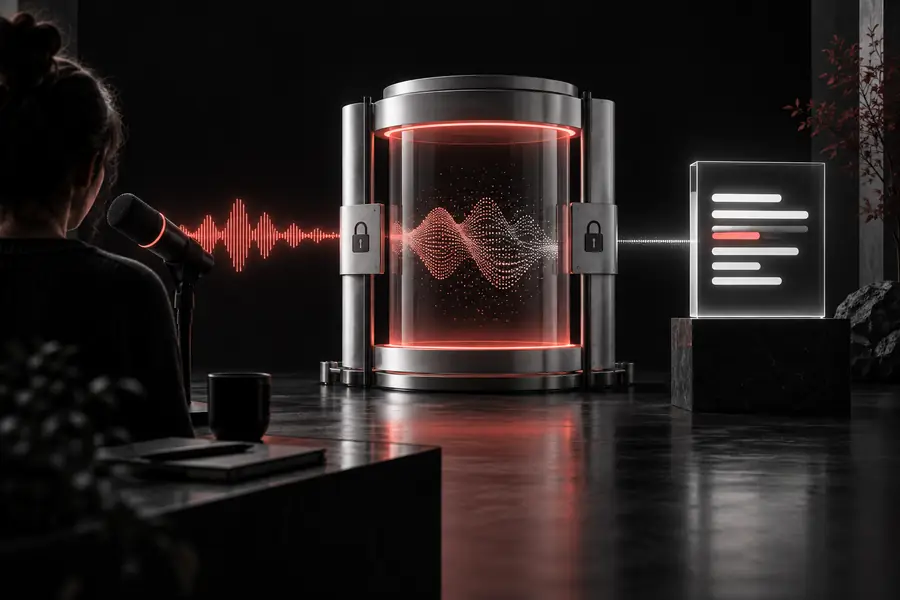
Abstract illustration representing safe Whisper audio processing

Start with context

Three misconceptions about Whisper safety

Whisper is a model, not a complete privacy policy. These distinctions help you judge a workflow instead of treating every Whisper setup as identical.

Honest caveats

What Whisper actually is

Whisper is an automatic speech recognition model. It can analyze audio and produce text, but it does not decide whether a file is legally shareable, confidential, or appropriate for a particular system.

It is not a privacy guarantee

Whisper itself does not promise that audio is private. Privacy depends on the application, hosting provider, logs, retention settings, and access controls around the model.

Workaround

Check the complete processing path and choose local execution when the recording is highly sensitive.

It can make transcription errors

Background noise, accents, overlapping speakers, names, and technical terms can produce omissions or incorrect words. A fluent-looking transcript is not automatically accurate.

Workaround

Review important passages against the source audio and mark uncertain statements before publishing or acting on them.

It does not remove sensitive information

A transcript may preserve names, addresses, health details, financial information, or confidential plans in a searchable text format.

Workaround

Minimize collection, redact sensitive passages, and restrict transcript access just as carefully as audio access.

It cannot judge consent

Whisper can process recorded speech, but it cannot know whether everyone was informed or whether a recording is lawful to capture and use.

Workaround

Get appropriate permission and follow the rules that apply to your location, workplace, and recording context.

A safer workflow

Boundary conditions for safer use

Treat safety as a sequence of decisions: identify the material, control the processing route, and verify the result before it travels further.

  1. 1

    Classify the audio

    Decide whether the recording is public, internal, personal, regulated, or confidential. The more sensitive the content, the less suitable an unknown hosted workflow becomes.

  2. 2

    Control where it runs

    Confirm whether audio leaves your device, how long it is retained, who can access it, and whether temporary files or logs are created.

  3. 3

    Review before sharing

    Check names, numbers, quotations, and redactions against the audio. Store only the transcript you need and delete source files when your policy allows.

Know the limits

When not to use Whisper

A capable model is still the wrong tool when the consequences of exposure or an unnoticed error are too high.

Audio used to train the original Whisper models
680,000 hours
Languages reported for multilingual speech recognition
98 languages
Common original model sizes, from tiny through large
5 model sizes

Decision guide

A practical safety comparison

The same Whisper model can sit inside very different workflows. Compare the surrounding controls, not just the model name.

Local Whisper workflow
Unknown hosted workflow

Audio location

Local Whisper workflow

Can remain on a controlled device or private server

Unknown hosted workflow

May be uploaded to a third-party service

Retention

Local Whisper workflow

Set by your storage and deletion policy

Unknown hosted workflow

Depends on the provider’s terms and implementation

Access control

Local Whisper workflow

Managed through your own accounts and permissions

Unknown hosted workflow

Managed partly by an external platform

Operational effort

Local Whisper workflow

Requires installation, updates, and resource planning

Unknown hosted workflow

Usually simpler to start

Review responsibility

Local Whisper workflow

Still requires human checking for important output

Unknown hosted workflow

Still requires human checking for important output

Consent and legality

Local Whisper workflow

Your responsibility before processing

Unknown hosted workflow

Your responsibility before uploading

Best fit

Local Whisper workflow

Sensitive, repeatable, or controlled processing

Unknown hosted workflow

Low-risk, convenience-focused transcription

Use it thoughtfully

Who can use Whisper safely

Safety improves when the workflow matches the sensitivity of the recording and someone remains accountable for the result.

Students and researchers

Transcribe interviews or lectures that do not contain restricted personal information.

Keep source files organized, verify quotations, and remove identifying details before sharing notes.

whisper notes

Content teams

Create a first draft from a podcast, meeting, or field recording with clear permission to use it.

Edit names, claims, and timestamps before the transcript becomes published content.

openai whisper examples

Developers

Build a controlled speech-to-text workflow for test audio and approved production recordings.

Document storage, deletion, access, and error-review rules alongside the integration.

whisper stt

Organizations handling sensitive records

Process health, legal, financial, or confidential conversations only with an approved deployment and policy.

Use local or contractually governed processing, strict permissions, redaction, and formal review.

whisper alternatives open source

Make the decision explicit

Use Whisper with the right safeguards

Whisper can be appropriate for low-risk audio and carefully controlled workflows. Before processing sensitive speech, confirm consent, data location, retention, access, and human review.

Check your workflow
  • Classify the recording first
  • Prefer controlled processing for sensitive audio
  • Verify important transcripts before sharing

Safety FAQ

Whisper safety FAQ

Whisper can be safe for suitable audio when the surrounding workflow is controlled. Safety depends on deployment, storage, access, consent, and review rather than on the model name alone.

The model itself does not define a universal storage policy. An online service may upload or retain audio, while a local workflow can follow your own storage and deletion rules; check the specific implementation.

Only when the deployment is approved for that level of confidentiality and the participants, policies, and applicable rules allow the recording. For highly sensitive material, prefer a controlled environment and minimize retained copies.

No. Whisper may mishear names, numbers, accents, overlapping speakers, or noisy passages. Review consequential text against the audio before using it for legal, medical, financial, employment, or public-facing decisions.

Start transcribing
Start transcribing