Heavy background noise
Traffic, music, room echo, and microphone rustle can make short words disappear or turn into plausible errors.
Workaround
Trim noisy openings, use the cleanest available source, and verify important passages against the audio.
Browser audio test
A whisper web demo lets you move from an audio file to readable text in a few simple steps. Test the experience in your browser, inspect the result, and decide whether a deeper workflow is right for you.
Before you begin
A clean test depends more on the source recording and browser than on complicated configuration.
Choose an audio or video clip with clear speech. For a first pass, use a section with limited background noise and avoid a file that contains private information you would not want to upload.
Load the demo in a current browser, allow the required file access, and select the recording. Keep the original file nearby so you can compare names, timestamps, and unclear phrases.
Wait for the transcript, scan the opening and closing lines, then listen to uncertain passages. Treat the first result as a draft that needs a quick human check.
From file to text
The complete path is short: select a source, submit it, then validate what the speech model heard.
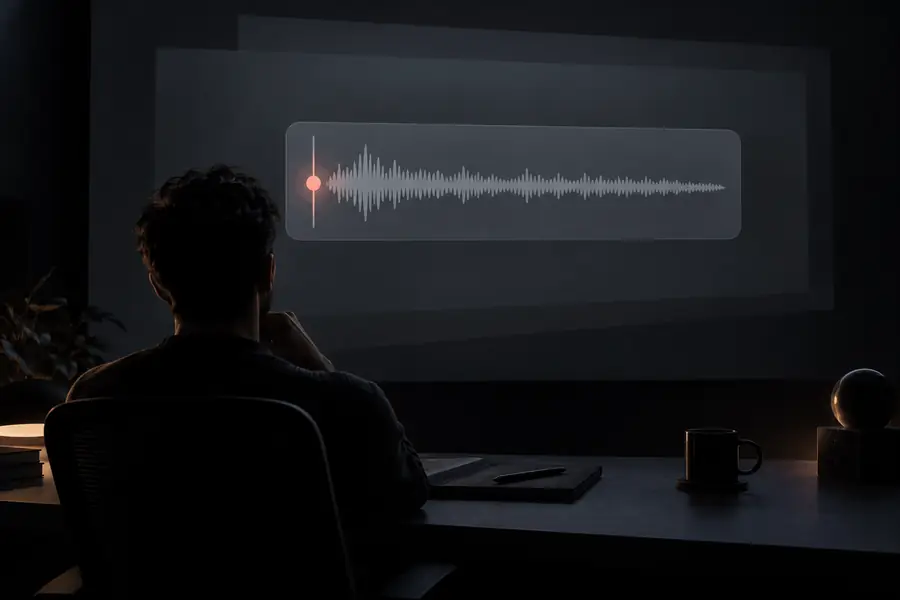 Audio selected
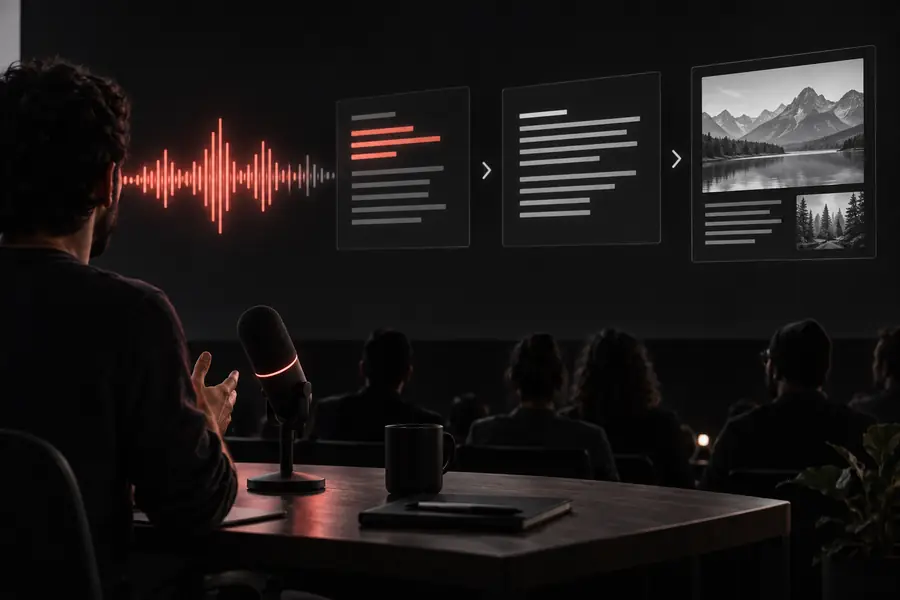 Transcript returned
Know the edges
A browser surface removes setup, but it cannot remove the limits of the recording or the recognition task.
Traffic, music, room echo, and microphone rustle can make short words disappear or turn into plausible errors.
Workaround
Trim noisy openings, use the cleanest available source, and verify important passages against the audio.
When two people talk at once, the output may merge their words or assign a sentence to the wrong speaker.
Workaround
Use a recording with clearer turn-taking, then add speaker names manually during review.
Names, acronyms, products, and uncommon terms may be rendered phonetically even when the surrounding sentence is correct.
Workaround
Keep a terminology list and search the transcript for likely variants before sharing it.
A simple demo is not automatically the right place for long recordings, confidential meetings, or regulated content.
Workaround
Use a short representative clip first and confirm the route's file handling and privacy requirements before uploading more.
At a glance
These model facts help set expectations when you move from a quick browser test to a more deliberate implementation.
Start with one representative clip instead of guessing from a feature list. The result will show you how the route handles your recording, vocabulary, and review habits before you invest time in a larger setup.
Run a browser testCommon questions
It is a browser-based way to test speech recognition with an audio or video file, without first installing a local environment. You use it to see how a real recording becomes searchable text and to identify review needs.
Usually, no installation is needed for the browser experience itself. You still need a supported browser, a file the route accepts, and a recording you are comfortable submitting.
That depends on the specific route, file size, and available processing limits. Start with a short representative section, then confirm the route's limits before relying on it for a full interview or meeting.
Not automatically. Review names, numbers, technical terms, speaker changes, and sections with noise before treating the text as a final record.
Listen to the source around each error and check whether noise, overlapping speech, or unusual vocabulary caused the problem. A cleaner recording or manual correction may solve the issue, while repeated errors can indicate that another workflow is a better fit.