Interviewers
You have a recorded conversation and need a readable first draft before writing questions, quotes, or a summary.
Start with searchable text instead of replaying the entire recording every time you need one detail.
whisper transcriptionBrowser transcription
Whisper online gives you a simple path from spoken audio to editable text. Upload a recording, let the model process the speech, then review the result where the words are easiest to use.
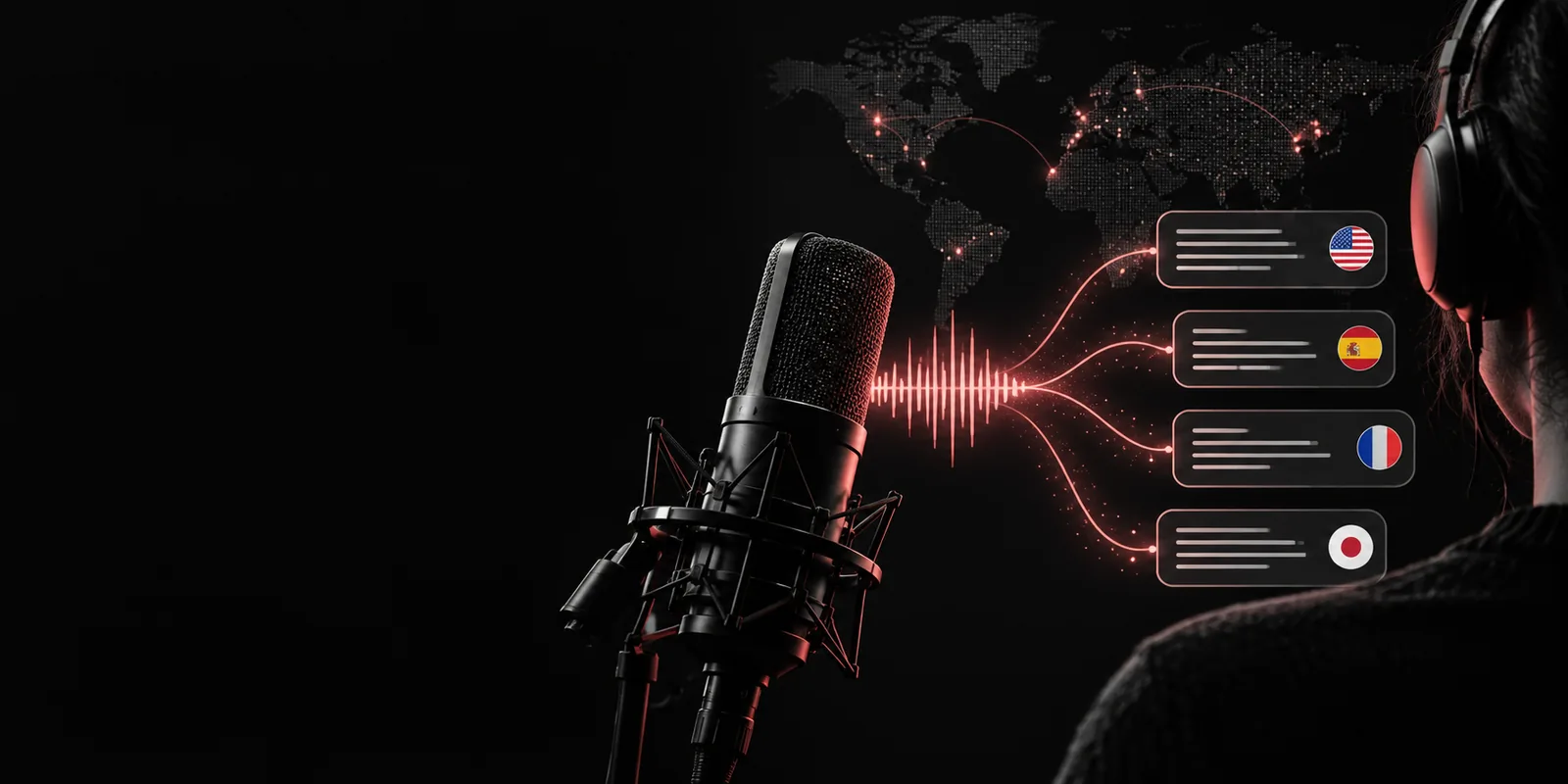
Choose the surface that best matches your recording, device, and level of control.
The same browser-based flow can support quick capture, careful review, or a repeatable content process.
You have a recorded conversation and need a readable first draft before writing questions, quotes, or a summary.
Start with searchable text instead of replaying the entire recording every time you need one detail.
whisper transcriptionA lecture, field recording, or discussion contains useful material that is difficult to scan by ear.
Create a text reference you can review, annotate, and compare with your notes.
whisper notesA podcast clip, meeting recording, or voice memo needs a text version for editing and repurposing.
Move from raw speech to a workable draft before polishing the final copy.
whisper web demoYou want to test recognition behavior before deciding how much automation your audio workflow needs.
Use a browser pass to inspect quality, language handling, and the kinds of cleanup your pipeline requires.
whisper sttA focused three-part process keeps the first transcription pass understandable and easy to check.
Bring in a clear audio file or describe the task you want completed. Shorter, cleaner recordings are easier to review and troubleshoot.
The speech recognition model identifies spoken language and produces a text draft. Background noise, accents, overlap, and specialist terms can affect the result.
Read through the output, correct names or punctuation, and move the useful text into notes, captions, a summary, or an editorial draft.
The value of browser transcription is not only recognition; it is the shorter distance between raw audio and text you can work with.
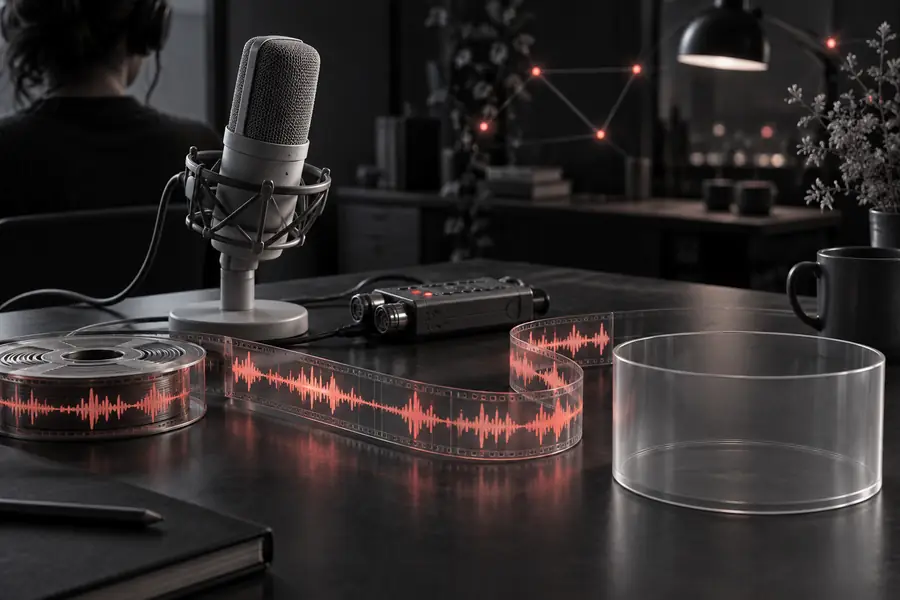 Before: spoken audio
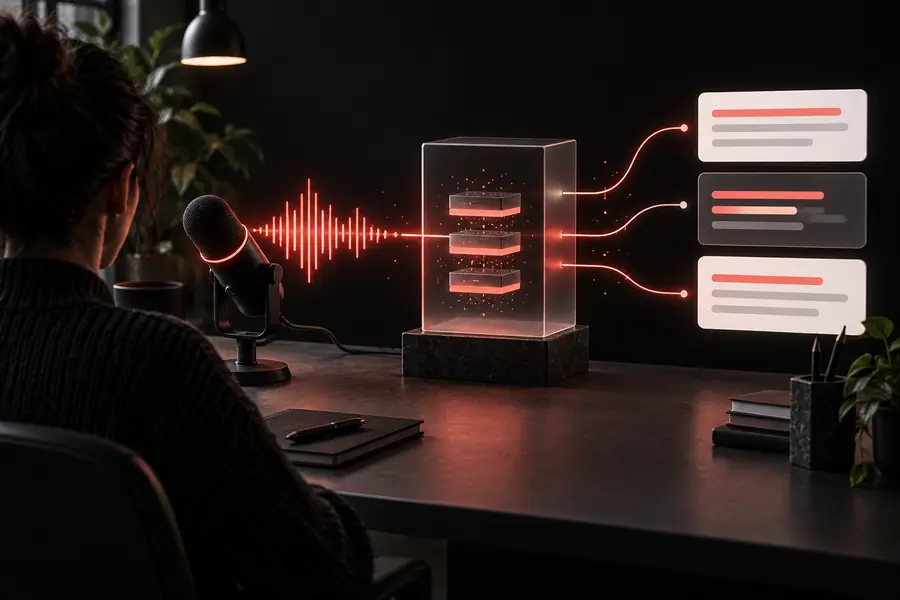 After: editable text
A browser route is useful for a first pass, but it cannot remove every source of ambiguity from recorded speech.
Traffic, room echo, low volume, and overlapping voices can produce missing or incorrect words.
Workaround
Use the clearest source available, reduce background noise, and review uncertain passages against the recording.
Names, acronyms, product terms, and uncommon places may be transcribed phonetically or inconsistently.
Workaround
Search for likely errors after transcription and keep a small correction list for repeated terminology.
A group discussion may not produce reliable speaker labels when people interrupt, speak softly, or sound similar.
Workaround
Use distinct turns where possible and add speaker names during the editing pass.
Recognition creates a useful draft, not a guaranteed final transcript, subtitle file, or polished article.
Workaround
Proofread important text and format it for its final use before sharing or publishing.
These reference points explain why the workflow can handle more than one narrow dictation use case, while quality still depends on the recording.
Start with a meeting, interview, lecture, or voice note and see how much easier the material is to search and shape after a first pass. The best results come from clear audio and a quick human review.
Transcribe my audioAnswers to common questions about using Whisper through a browser-based workflow.
Yes. A browser workflow can give you a convenient way to submit audio and work with a transcript without setting up a local environment. The exact upload options and output controls depend on the tool you use.
Clear speech with limited background noise usually produces the most dependable result. A close microphone, steady volume, and minimal speaker overlap all make the transcript easier to review.
Usually not. Treat the first output as a draft and check names, numbers, punctuation, technical terms, and any section where the audio is hard to hear.
Yes. Whisper was designed for multilingual speech recognition and can work with many languages. Language accuracy varies with recording quality, dialect, vocabulary, and how much training data exists for that language.
Speaker labeling is not guaranteed to be perfect, especially in fast group conversations or when voices overlap. For important interviews and meetings, verify the labels against the recording and correct them during review.