Interviewers
Record a conversation and turn the first pass into readable answers, quotes, and follow-up questions.
Spend less time scrubbing through audio and more time shaping the story.
whisper notesAudio to text
Whisper transcription converts recorded speech into readable text so you can review ideas, find key moments, and create notes without replaying every minute.
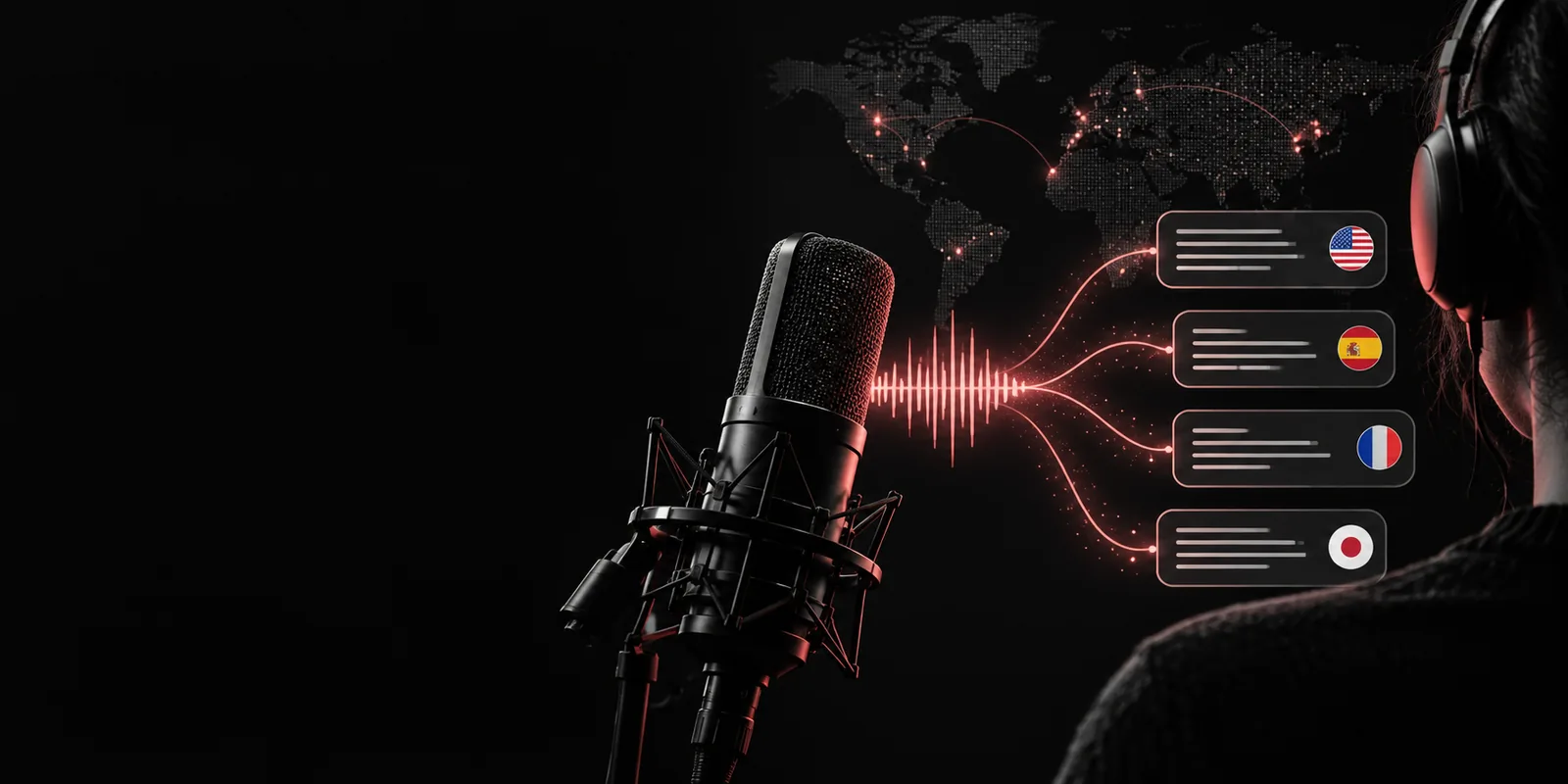
Choose the surface that best matches your workflow, from a browser-based tool to a more technical speech-to-text path.
The same audio-to-text process can support different jobs, but the useful result is always text that is easier to search, edit, and reuse.
Record a conversation and turn the first pass into readable answers, quotes, and follow-up questions.
Spend less time scrubbing through audio and more time shaping the story.
whisper notesProcess lectures, field recordings, or spoken observations into a draft that can be reviewed alongside source audio.
Create a searchable research trail while keeping the original recording available for verification.
whisper sttConvert podcasts, webinars, and interviews into an editable foundation for articles, captions, or show notes.
Move from recording to a reusable editorial draft with fewer manual passes.
openai whisper examplesCapture spoken discussion, then organize the transcript into decisions, questions, and next actions.
Make long conversations easier to revisit without relying on memory alone.
whisper onlineA dependable result comes from treating transcription as a short pipeline rather than a single button press.
Use the clearest available audio, trim irrelevant silence when practical, and check that the file opens correctly before processing.
The model analyzes the audio, identifies spoken language, and produces a first-pass transcript. Noisy sections may need a second review.
Correct names, punctuation, and ambiguous phrases against the recording, then shape the cleaned text into notes, captions, or a draft.
Automatic output is a strong starting point, not a final editorial document. A quick comparison shows where human checking still matters.
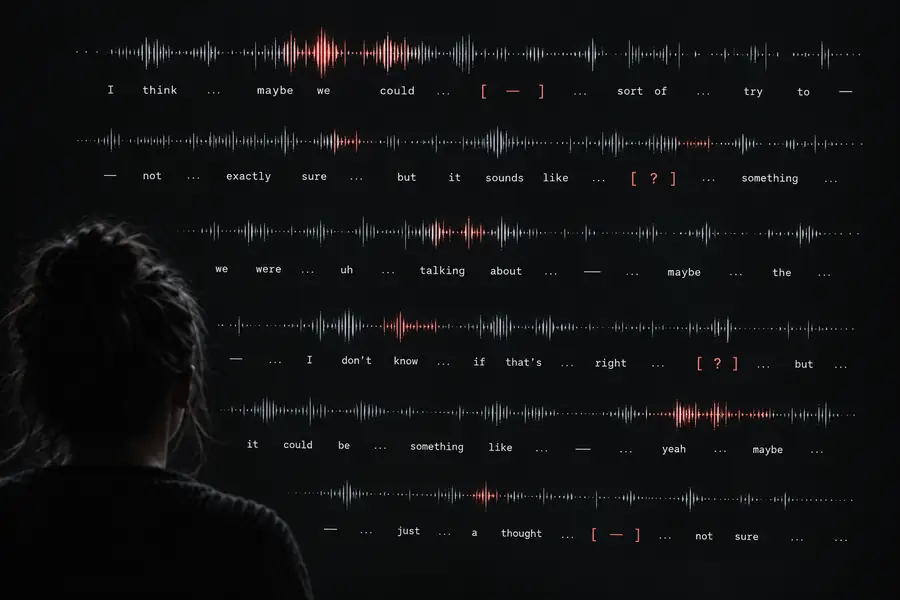 First pass
 Reviewed output
Transcription does not change the source recording. It adds a text layer that makes the content easier to inspect and transform.
Primary format
Audio recording
Sound file
Transcript
Searchable text
Review method
Audio recording
Listen from a timestamp
Transcript
Scan, search, and read
Speaker meaning
Audio recording
Preserved in tone and delivery
Transcript
Represented as recognized words
Editing
Audio recording
Requires audio software or a new take
Transcript
Can be revised as ordinary text
Accuracy check
Audio recording
Original source for verification
Transcript
Needs comparison where audio is unclear
Best use
Audio recording
Nuance, emphasis, and archival source
Transcript
Notes, drafts, captions, and discovery
Main risk
Audio recording
Important moments are hard to locate
Transcript
Names or specialized terms may be misrecognized
These reference points describe the scope of the underlying speech-recognition approach rather than a promise that every recording will be equally accurate.
A useful transcript starts with honest expectations. These are the places where the audio, language, or requested output can exceed what an automatic pass reliably provides.
Clipping, heavy background noise, overlapping voices, and distant microphones can remove the clues needed for accurate wording.
Workaround
Improve the recording when possible, isolate channels, and replay uncertain passages during review.
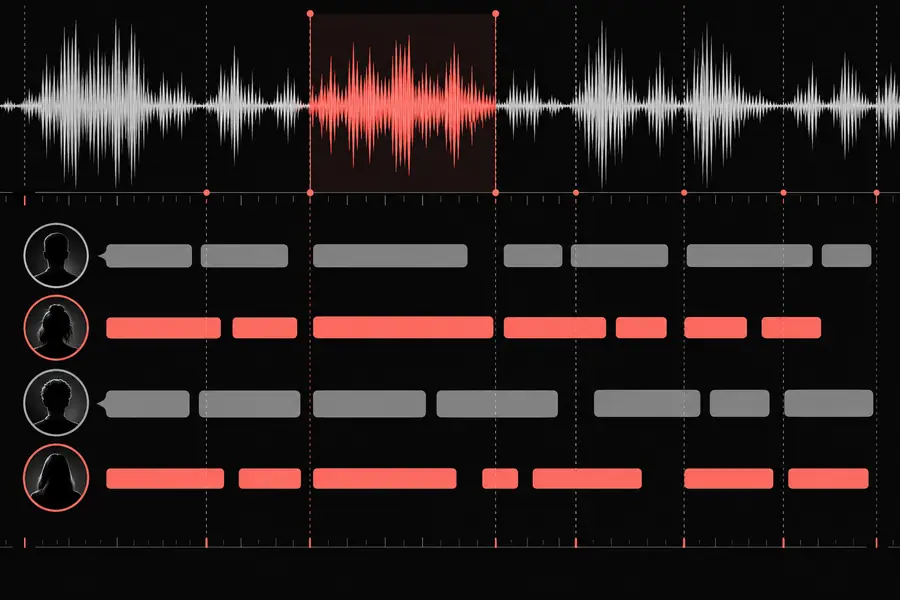
A transcript may capture the words without consistently identifying who said each line, especially in fast or overlapping conversation.
Workaround
Use known speaker order, add labels manually, or record separate channels when the workflow supports it.
People, places, product names, acronyms, and uncommon vocabulary are more likely to appear with plausible but incorrect spellings.
Workaround
Prepare a vocabulary list, search for likely errors, and verify important terms against the source audio.
Raw output can include repetitions, false starts, missing punctuation, and phrasing that reads differently from natural prose.
Workaround
Reserve a final pass for cleanup, formatting, citations, and any claims that require exact wording.
Send an audio task through Whisperai and use the first transcript as a practical draft for notes, research, captions, or editorial work. Keep the source recording close so important details can be checked.
Transcribe audio nowA few practical answers before you turn a recording into text.
It is used to convert spoken audio into text that can be searched, edited, summarized, or repurposed. Common uses include interviews, meetings, lectures, podcasts, captions, and research notes.
Whisper is designed for multilingual speech recognition and supports a broad range of languages. Results still depend on audio quality, accent, vocabulary, code-switching, and how clearly the speakers are recorded.
Accuracy varies by recording conditions rather than staying constant across every file. Clear speech with limited overlap usually produces a stronger first pass, while noise, names, specialist terms, and overlapping speakers require closer review.
Speech recognition can produce the words without reliably assigning every line to the correct person. If speaker identity matters, plan a manual labeling pass or use a workflow that provides suitable speaker separation before finalizing the transcript.
Yes. Treat automatic output as a draft, especially when the text will be published or used for important decisions. Check names, numbers, punctuation, unclear passages, and quotations against the original audio.